Delivery and pickup choices
Let customers select an available date and time on a product page or cart. Checkout placement requires Shopify Plus.
 Shopify App
Let Shopify customers choose shipping, local delivery, or store pickup with an available date and time.
See product details and availability on the official marketplace.
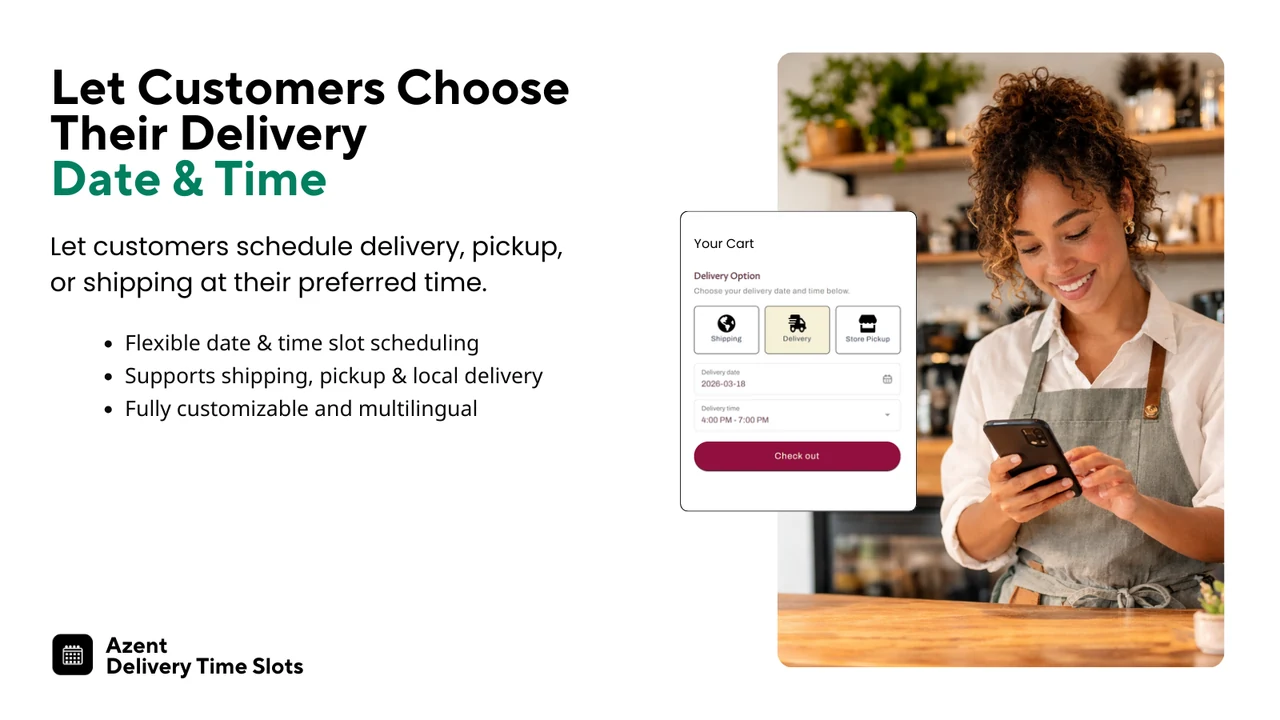
Let Shopify customers choose shipping, local delivery, or store pickup with an available date and time.
Let customers select an available date and time on a product page or cart. Checkout placement requires Shopify Plus.
Configure order limits, unavailable days, holidays, cutoff times and preparation rules around your fulfillment schedule.
Use supported product, vendor and shipping-method conditions. Feature limits depend on the selected app plan.
Images published on the official listing. Open an image to view it at full size.
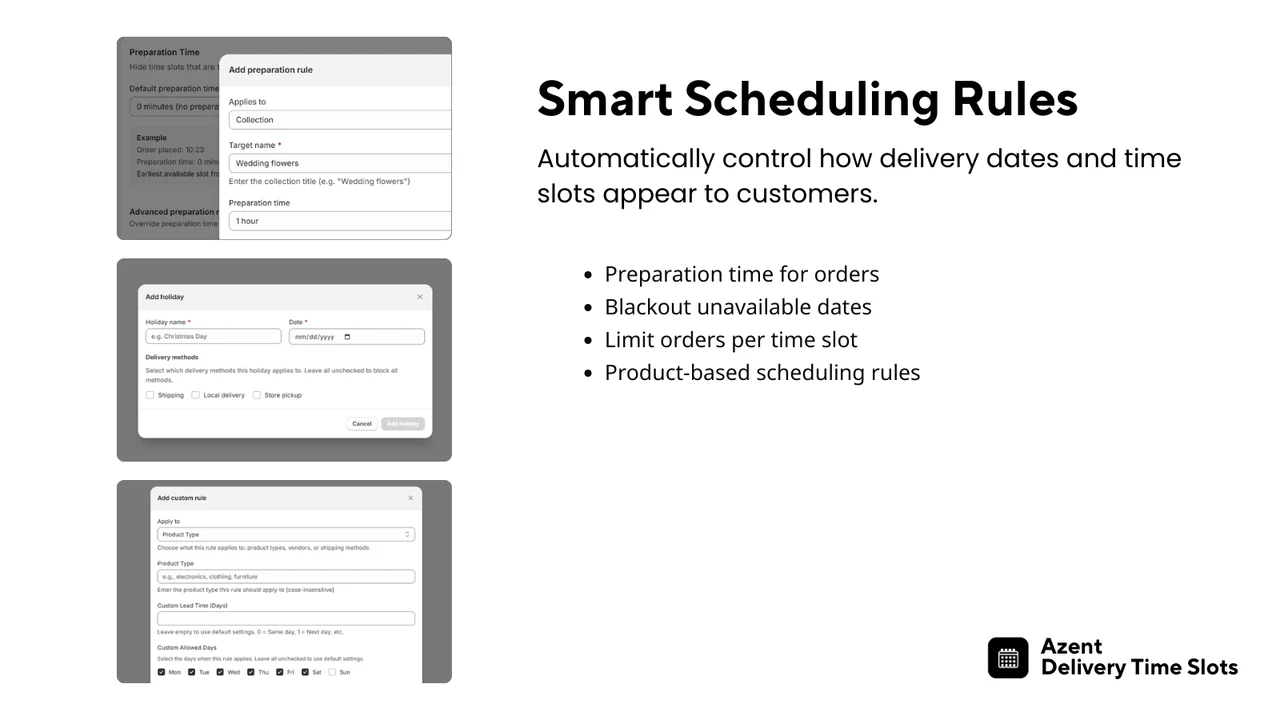
Configure available days, time windows, capacity and preparation rules in the app.
Enable the product-page or cart widget. Use the checkout extension only on an eligible Shopify Plus store.
Check unavailable dates and full slots, then confirm the chosen delivery details are attached to the order.
Product-page and cart placements are available without Plus where supported by your theme. Placement inside Shopify checkout requires Shopify Plus.
Yes. Configure time-slot capacity, holidays, cutoff times and preparation rules. Limits and advanced conditions vary by app plan.
See the Shopify App Store listing for current pricing, trials and feature allowances. Do not assume every plan includes every integration or limit.
Follow the delivery setup guide or email support@azentlabs.com with the app name, store domain and placement you are configuring.
Check the latest feature information, requirements, and availability for your store.