
Clear quantity breaks
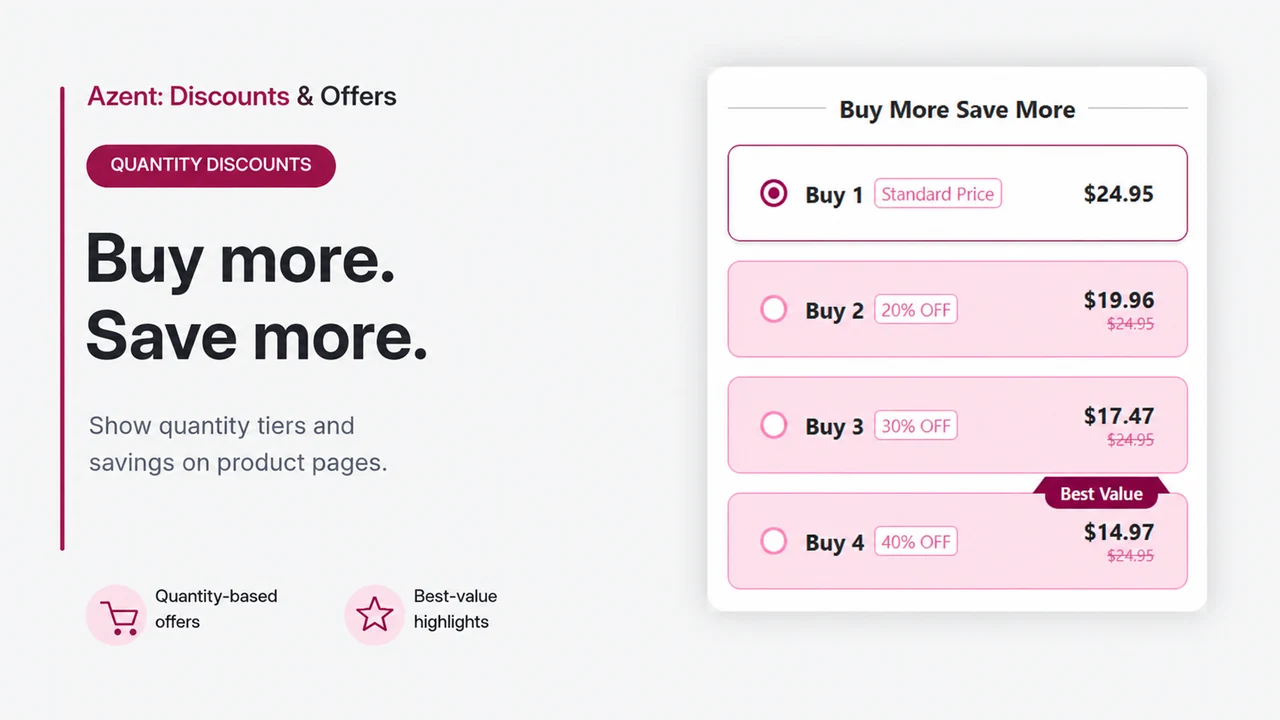
Show Buy More, Save More tiers so shoppers can compare quantities and savings before adding to cart.
 Shopify App
Create quantity discounts and bundle offers that appear right on your Shopify product pages.
See product details and availability on the official marketplace.
Create quantity discounts and bundle offers that appear right on your Shopify product pages.
Show Buy More, Save More tiers so shoppers can compare quantities and savings before adding to cart.
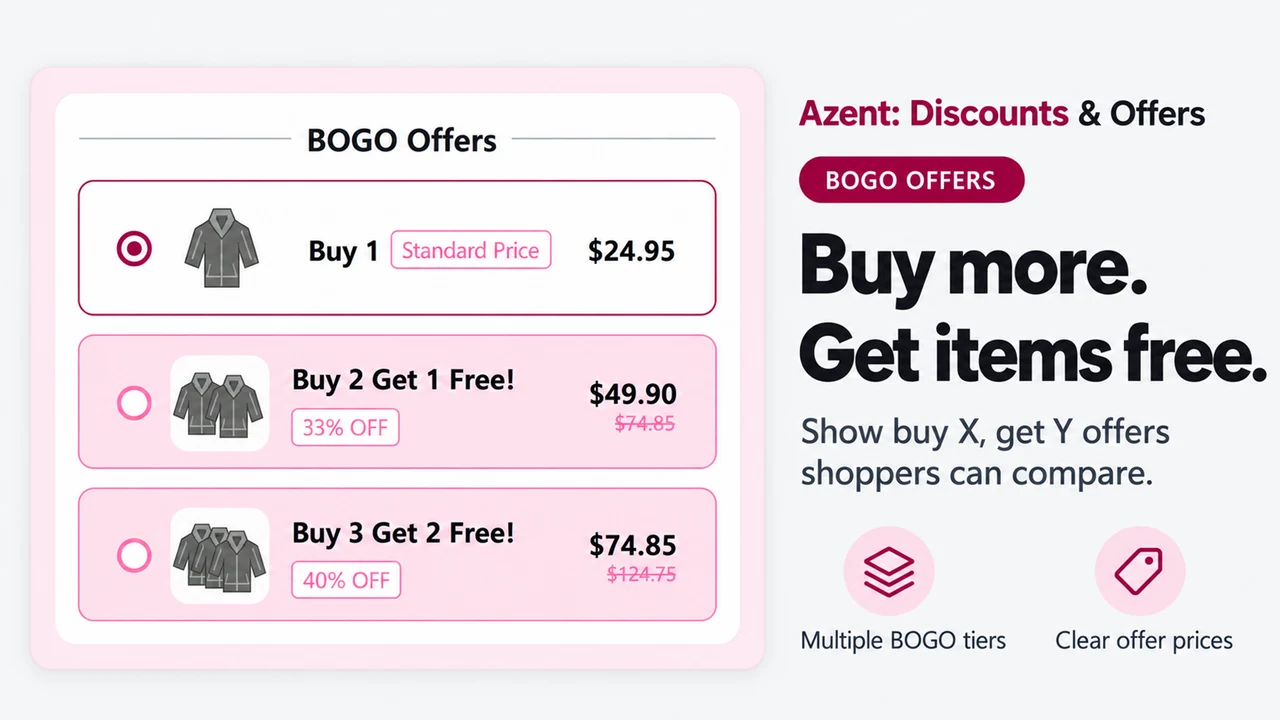
Configure BOGO, bundles, free gifts, subscription options and cart conditions for the offers your store needs.
Customize widget layouts and text. Product, collection and customer targeting depend on the selected plan.
Images published on the official listing. Open an image to view it at full size.
Install the app, choose an offer template, then configure tiers, benefits and eligible products.
Activate the offer and add the app block or embed in the Shopify Theme Editor.
Preview an eligible product and confirm that the displayed savings match the final discount.
The widget displays offers and guides selection. Active rules use Shopify discount logic for cart and checkout.
Supported offer options and combinations depend on the rule, plan and Shopify settings. Check the setup guide and test the intended purchase flow.
The Shopify App Store listing is the source for current pricing, trials and plan limits. Review it before approving a subscription.
Use the product setup guide or email support@azentlabs.com with the app name, store domain and offer details.
Check the latest feature information, requirements, and availability for your store.