
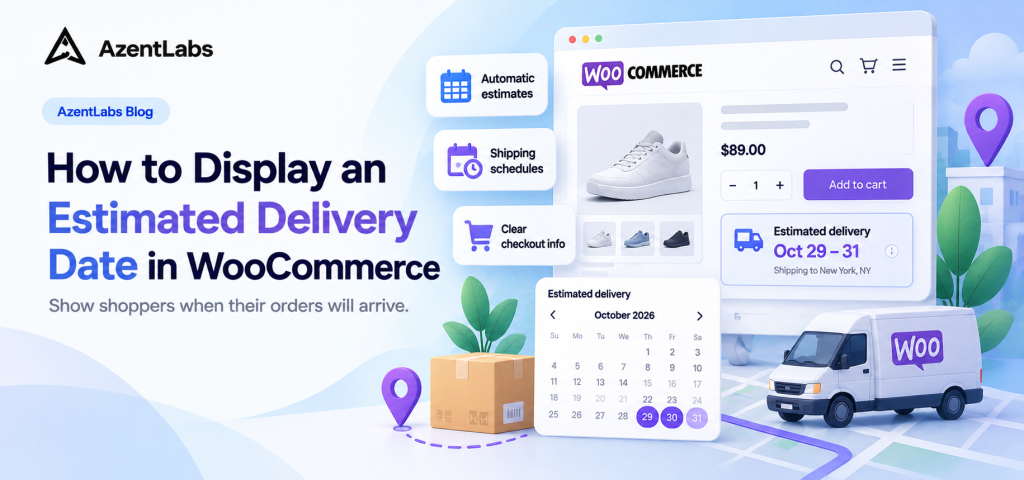
Shoppers love clarity — knowing exactly when their order will arrive builds trust and reduces cart abandonment. With Azent Delivery Time Slots for WooCommerce, you can automatically calculate and display the estimated delivery date for every order right on your product or checkout page.
Why Display Estimated Delivery Dates?
- ✅ Increase conversion rates by giving customers clear delivery expectations.
- 🚚 Reduce post-purchase inquiries like “When will my order arrive?”
- 📦 Improve transparency and buyer confidence during checkout.
- 🕒 Synchronize delivery with your shipping schedule or preparation time.
Automatic Delivery Date Calculation
The plugin intelligently calculates the estimated delivery date based on your store’s working days, cut-off times, and shipping methods. It dynamically updates in real time as customers add items to their cart or choose a shipping option.
Example: “Order today and receive it by Friday, October 11.”
You can display this information in multiple locations:
- 🛍️ Product page – next to the Add to Cart button
- 🛒 Checkout pages – next to the delivery options
Flexible Customization Options
Every store is unique, and so are your delivery rules. Azent Delivery Time Slots lets you fully control how the estimated delivery date is displayed:
- ⚙️ Customize the delivery message text and date format.
- 📆 Set processing days and blackout dates (holidays, weekends, etc.).
- 🚚 Show different delivery estimates based on shipping methods.
- 🛠️ Optionally enable pickup date or delivery time slot selection.
Boost Customer Satisfaction with Accurate Delivery Info
When customers see accurate delivery dates before checkout, they are more likely to complete their purchase and less likely to ask support questions later. This small detail can make a big difference in your store’s conversion rate.
The plugin is optimized for performance and won’t slow down your site — even for stores with thousands of orders or multiple delivery zones.
Available on the Official WooCommerce Marketplace
Azent Delivery Time Slots for WooCommerce
Available exclusively on the official WooCommerce Marketplace, this plugin ensures verified security, automatic updates, and reliable vendor support.
- 🔒 Secure and verified by WooCommerce
- ⚡ One-click updates directly inside WordPress
- 💬 Direct vendor support with quick turnaround time
- 🧾 Business-ready licensing and invoices
Conclusion
Showing an estimated delivery date is one of the simplest ways to improve customer experience and increase trust in your WooCommerce store. Azent Delivery Time Slots makes it easy — accurate, customizable, and fully automated.
Start using it today from the WooCommerce Marketplace and make your checkout experience smarter and more transparent.